
Create a Wallet
Create a new wallet on a trusted device and understand the relationship between addresses, seed phrases, and private keys first.
View steps →imtoken · Multi-chain Digital Wallet
A multi-chain wallet, blockchain network and Web3 knowledge hub from imtoken
From multi-chain assets and network selection to transfers, DApp connections, token approvals, network knowledge, and wallet safety, imtoken keeps critical actions in a clear and verifiable workflow. Every transaction, signature, and approval starts with checking the network, address, and request details.
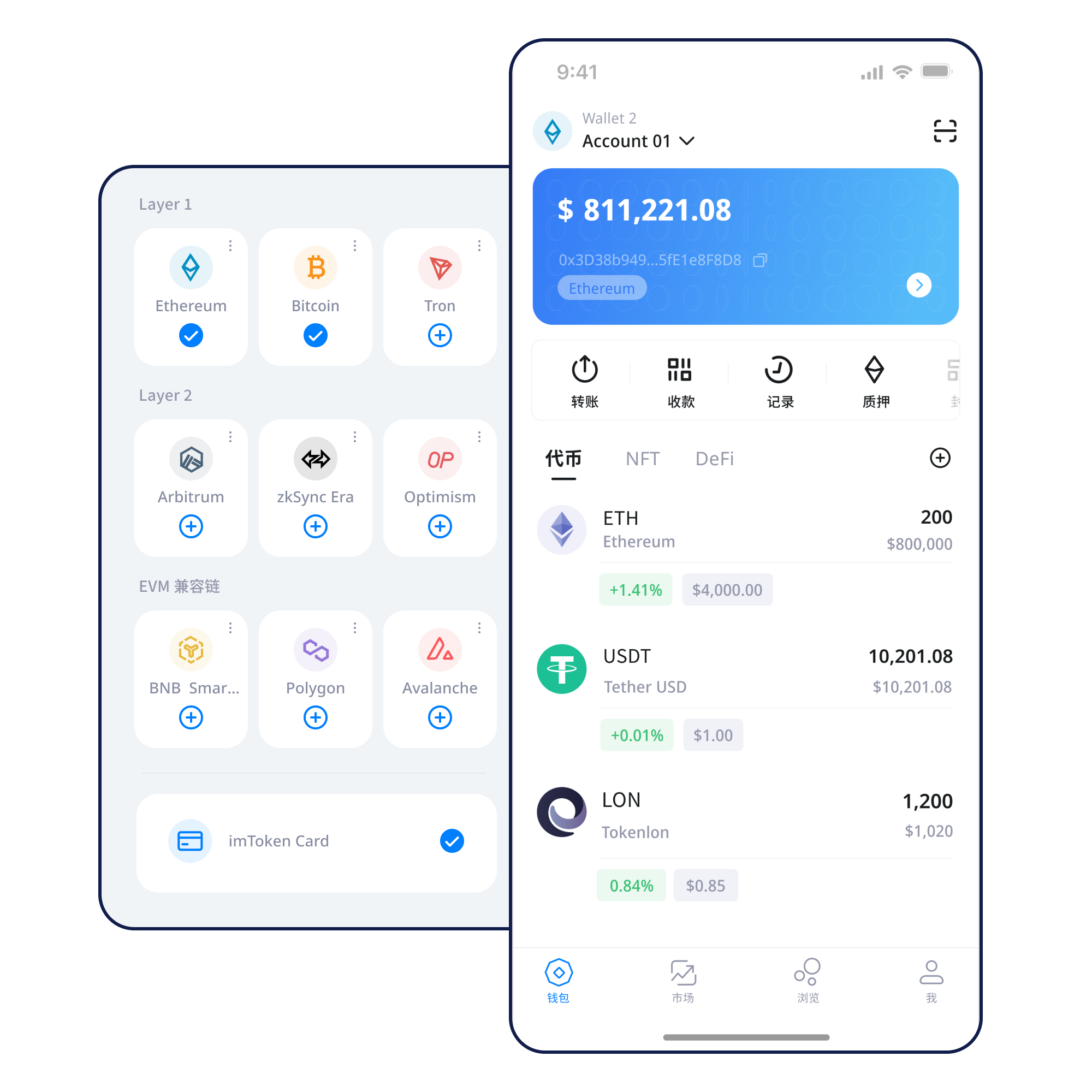
Quick start
Start from a real task and keep a safety check at every step.
Create a new wallet on a trusted device and understand the relationship between addresses, seed phrases, and private keys first.
View steps →Keep recovery information offline, verify its order and completeness, and do not send it through chats, cloud drives, or unfamiliar sites.
View steps →Confirm the receiving address and network, and make sure the sender uses that same network.
View steps →Verify the address, network, amount, and gas, then keep the transaction hash and follow confirmation status.
View steps →Verify the domain and network first, then review connection, signature, approval, and transaction requests separately.
View steps →Wallet capabilities
Assets, addresses, and confirmations belong to specific blockchains. Switching networks does not move assets automatically.
Learn multi-chain basics →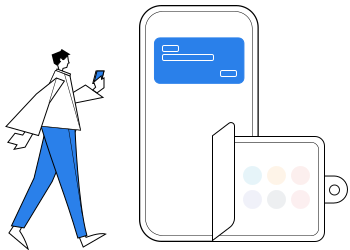
From asset viewing to DApp use, every signature is an active user decision.
Verify before sending, then use the transaction hash to inspect the on-chain result.
Read the transfer guide →Treat account connection, message signing, transaction signing, token approvals, and disconnecting as separate actions.
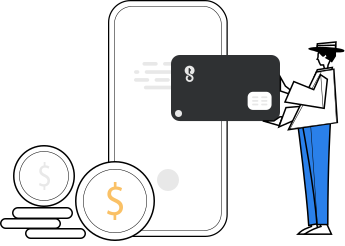
Official personnel will not ask for seed phrases or private keys.
Multi-chain
Confirm the current network, gas asset, and transaction destination; moving across chains requires an explicit transfer path.
Public Chains
Block height, transaction hashes, and explorers help users trace wallet displays back to public on-chain data.
EVM
Chain IDs, native gas assets, contract deployments, and balances remain network-specific.
Layer 2
Cross-layer operations can involve multiple confirmation stages, bridge-contract risk, and third-party dependencies.
Gas
Fees can change with network conditions, and a failed transaction may still consume gas because execution resources were used.
User journey
Practical safety comes from a sequence of good decisions, not a single safety button.
Use the single download entry instead of looking for installers on unknown pages.
Create or import only on a trusted device you control; never submit recovery phrases to a website or support agent.
Keep the seed phrase offline and verify the word order. Do not screenshot, send, or share it.
Check the network name, gas asset, and application requirements. Similar addresses do not mean the networks are the same.
Verify address, network, and amount before sending; consider a small test where it makes sense.
Keep the transaction hash, inspect DApp requests before signing, and review permissions you no longer need.
Web3 & DApp
Review every signature and approval on its own. Confirm the domain, account, network, contract, and permission scope; cancel if the request is unclear.
Open the Web3 guide →Security
Seed phrases and private keys remain under the user's control. Do not share them through support chats, web forms, email, or remote-control tools. Verify address, network, and amount before sending, inspect DApp requests before signing, and remember that third-party contracts can carry technical and operational risk. On-chain transactions generally cannot be reversed by a wallet alone.
Open the Security Center →Featured guide
Start with addresses, seed phrases, private keys, networks, gas, and transaction hashes before moving into DApps and approvals. Learn the concepts that change real outcomes first.
Read the full guide →Ethereum Staking
Ethereum staking does not guarantee returns. Rewards can change, exits may involve waiting, and validators can face network penalties.
Learn Ethereum staking →Product & Safety Updates
Wallet and network guidance continues to follow real user workflows.
No one should ask you for a seed phrase, private key, or verification code.
Switching networks does not move assets; confirm both sides use the same network.
All download links go to the download page; content pages do not trigger downloads automatically.
FAQ
From key protection and network checks to DApp signing and staking mechanics.
View all FAQs →A digital wallet helps you manage keys and interact with blockchain networks. Asset state is recorded on the relevant blockchain rather than simply stored inside a phone application.
A seed phrase is commonly used to recover a set of wallet accounts. It is highly sensitive and should stay offline rather than being sent to people or entered into unfamiliar websites.
No. A private key can control an address. Official personnel should never ask for your private key, seed phrase, or wallet verification code.
Assets exist on specific networks. Even when address formats match, using the wrong network can prevent a receiving service from recognizing or crediting a transfer.
Gas measures on-chain execution resources and contributes to network fees. Costs can change with congestion, transaction complexity, and protocol rules.
A transaction hash lets you locate a transaction on the correct block explorer and inspect public details such as sender, recipient, status, block, and fees.
Check the transaction hash first and review network congestion, fees, and any earlier transaction from the same account. Avoid repeatedly resubmitting without understanding the cause.
imtoken
Downloading, creating, backing up, transferring, and connecting to DApps all begin with active verification.